Click to download now, finish the installation quickly, and directly unlock the all-round experience
Screenshots
Click to download now, finish the installation quickly, and directly unlock the all-round experience
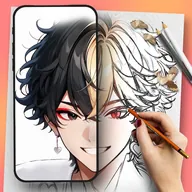
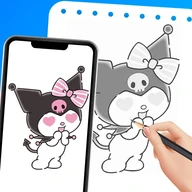
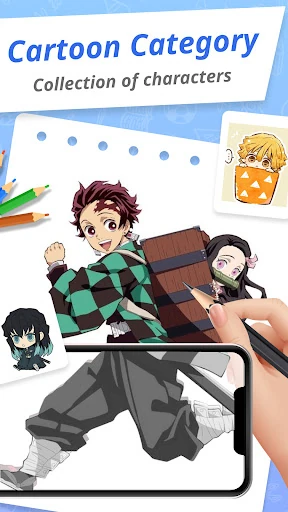
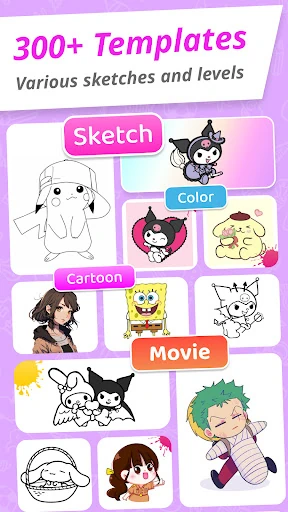
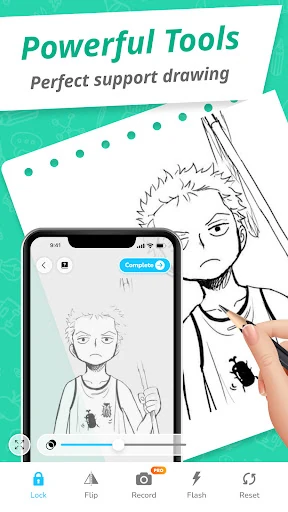
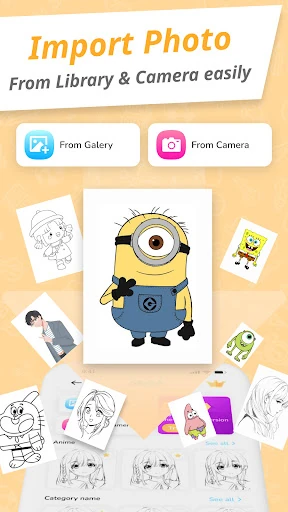
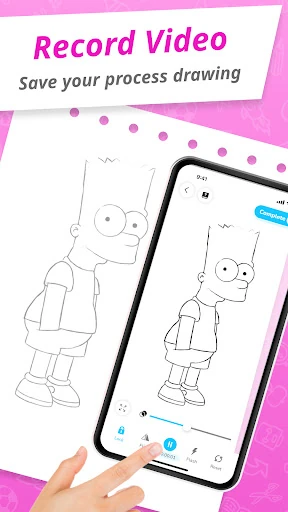
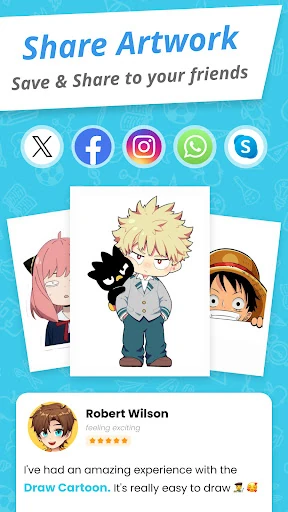
Draw Cartoon - AR Sketch App uses your phone’s camera to place a cartoon reference over a real sheet of paper. You follow the projected guide with a pencil or pen, making it easier to copy outlines, proportions and character details than starting from a blank page. It is aimed at beginners, hobby artists and anyone who wants a guided way to practise drawing cartoon-style figures.
This is a practical choice for people learning by tracing rather than working entirely from imagination. It can help with hand control and basic proportions, but the result still depends on keeping the phone steady and positioning it correctly above the paper. Users looking for layers, brushes and a full digital illustration workspace may find its camera-led approach too narrow. The main trade-off is straightforward: it offers physical drawing guidance instead of replacing the drawing process with a conventional digital canvas.
Developed by Braly JSC and listed in Art & Design, the app has a 4.12/5 rating from 48,195 reviews and more than 10 million installs. Those figures point to a widely used tool for casual and beginner sketching, rather than a specialist package built around professional illustration workflows.