Pixel Studio: pixel art editor
Hippo Games AM
Downloads
5,000,000+
Version
Latest
Click to download now, finish the installation quickly, and directly unlock the all-round experience
Screenshots
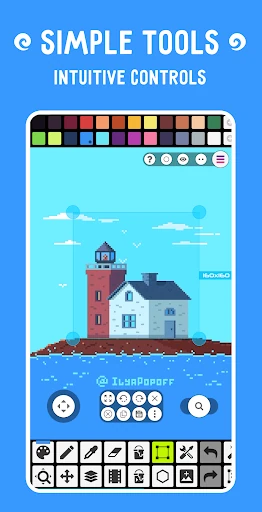
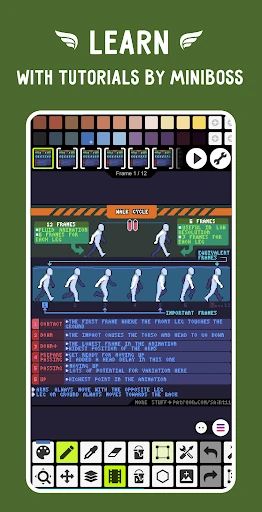
Click to download now, finish the installation quickly, and directly unlock the all-round experience
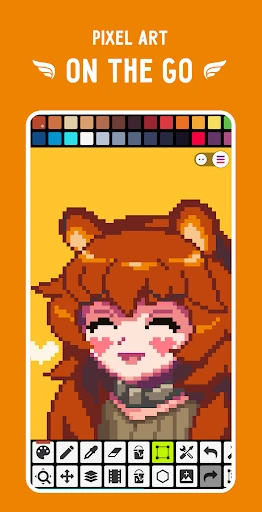
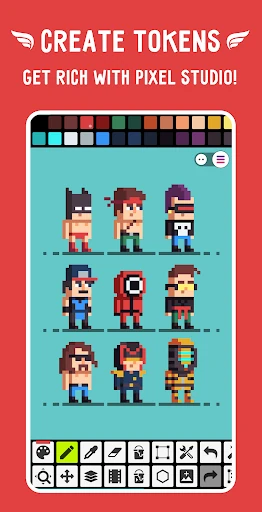
Pixel Studio: pixel art editor is made for drawing sprites, tiles, game assets and other pixel-based artwork. It suits beginners who want a focused canvas as well as creators who need more control over animation, colour and file handling. The app comes from Hippo Games AM and is listed in Art & Design.
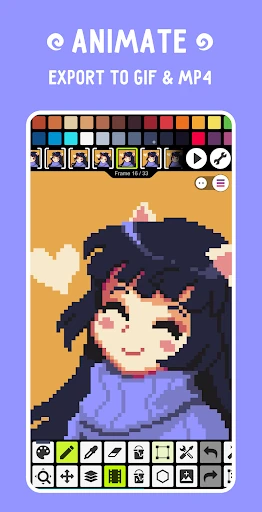
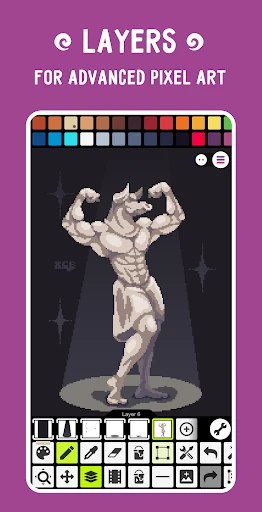
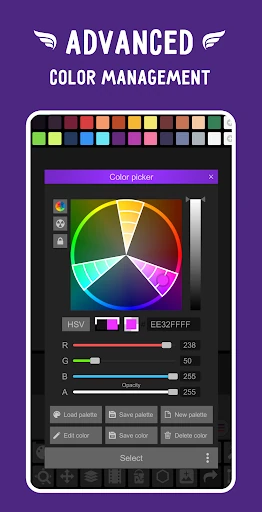
The editor supports frame-by-frame animation, with onion skinning to help line up neighbouring frames. It also includes tools aimed at precise pixel placement, colour editing and rotating artwork without losing its intended shape. These features make it useful for small animated scenes, character sprites and iterative game-art work rather than only static doodles.
Pixel Studio is a practical choice if you move between mobile and desktop work or already use a pixel-art format supported by the app. Its format compatibility can reduce conversion work, while cloud storage support helps keep projects available across devices. On a smaller screen, the number of controls may feel dense; on a tablet or desktop setup, the extra workspace is better suited to longer editing sessions.
With a 4.68 rating from 85,852 reviews and 5,000,000+ installs, Pixel Studio has a substantial Android user base. That makes it a strong fit for artists comparing a dedicated pixel editor with a more general drawing app: choose it when pixel precision, animation and project compatibility matter more than a broad illustration toolkit.