Click to download now, finish the installation quickly, and directly unlock the all-round experience
Screenshots
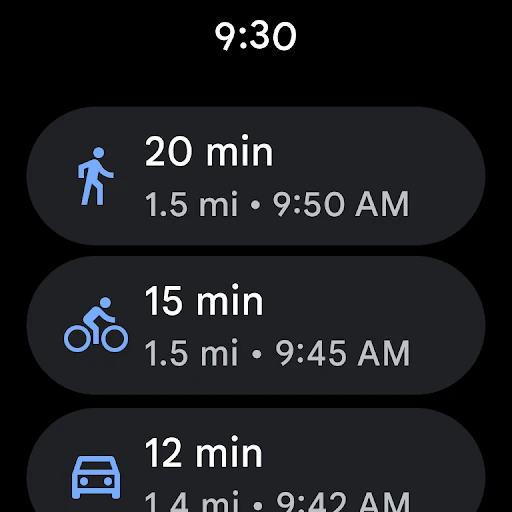
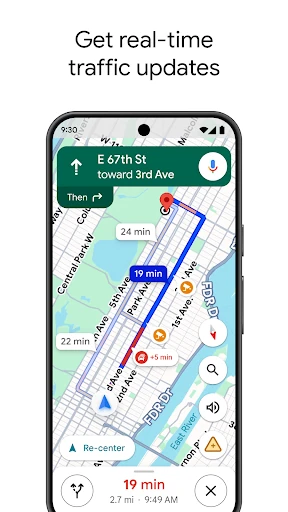
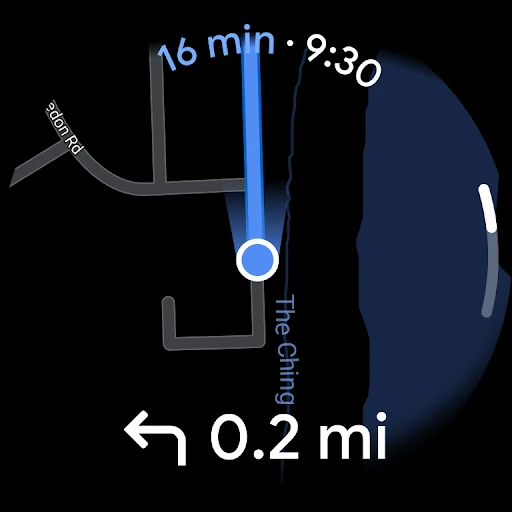
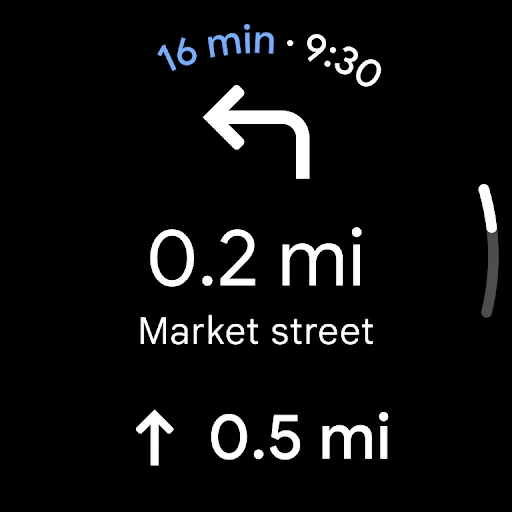


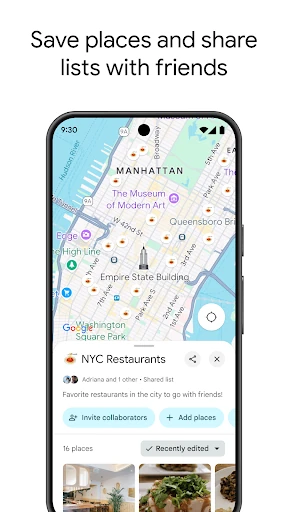
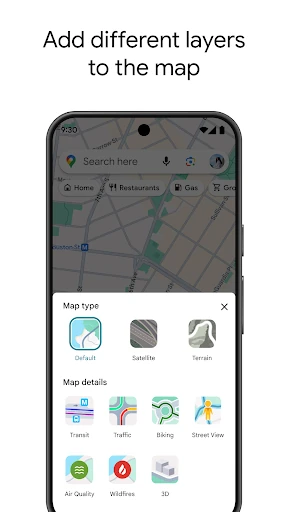
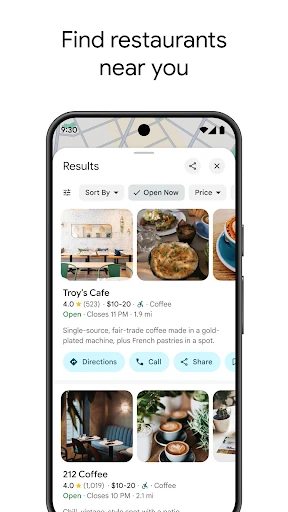
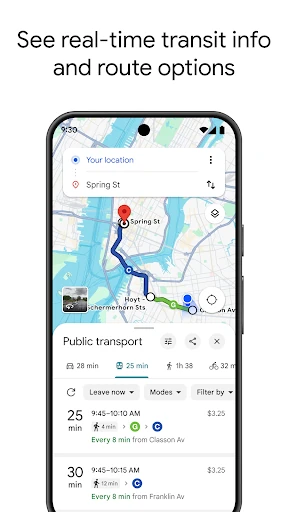
Click to download now, finish the installation quickly, and directly unlock the all-round experience
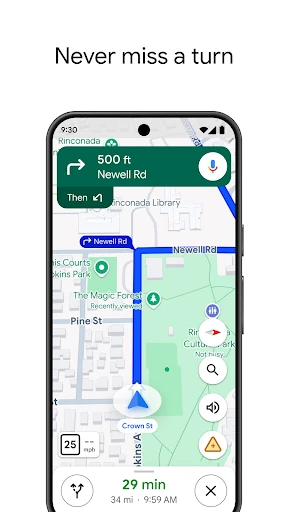
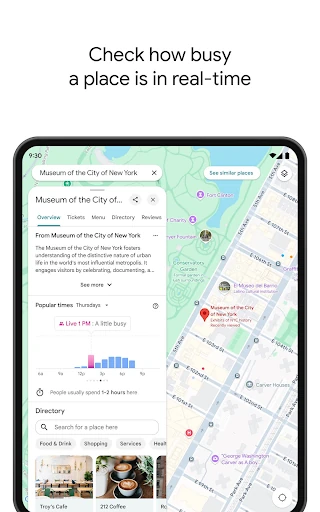
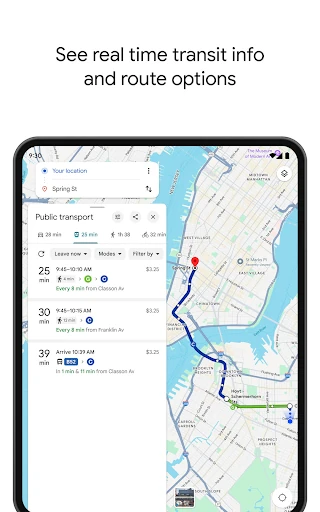
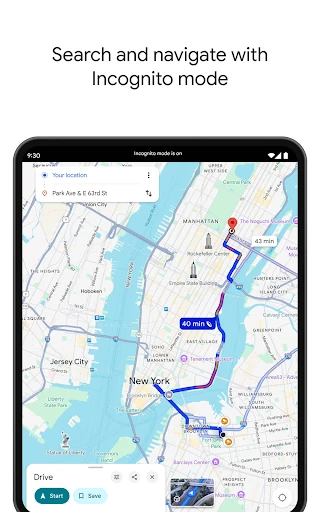
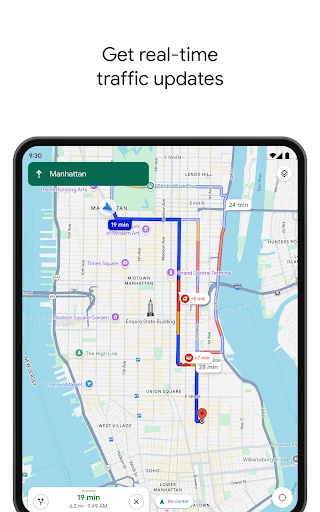
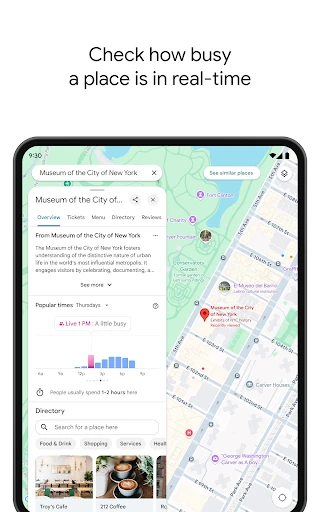
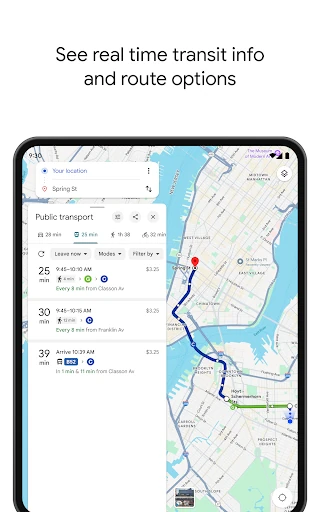
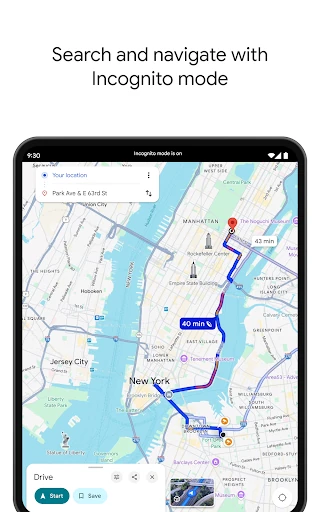
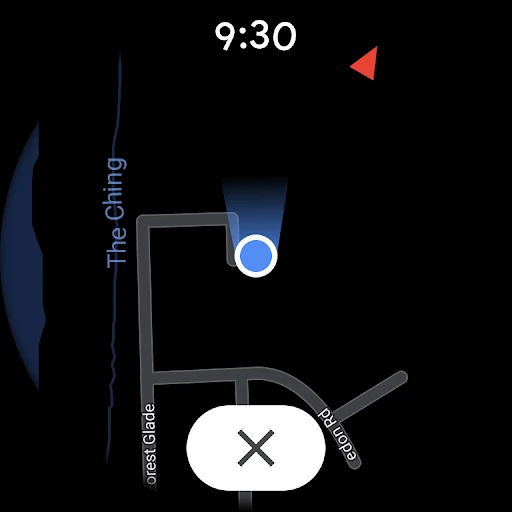
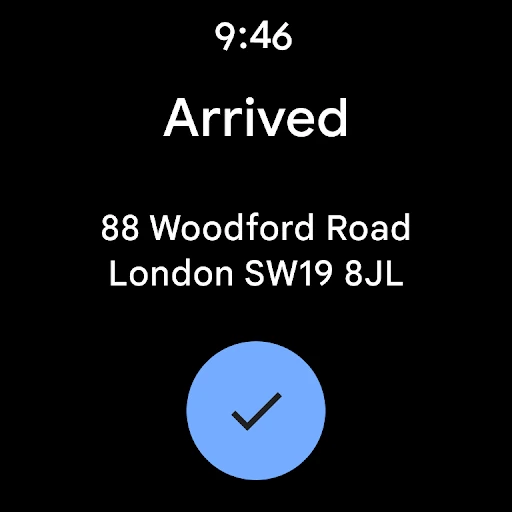
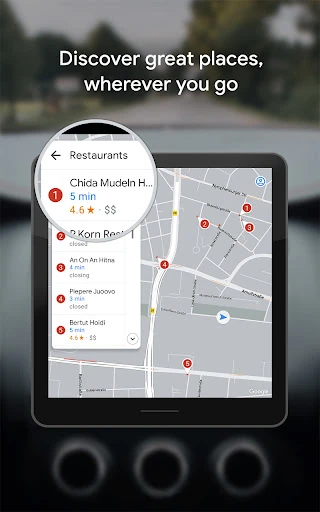
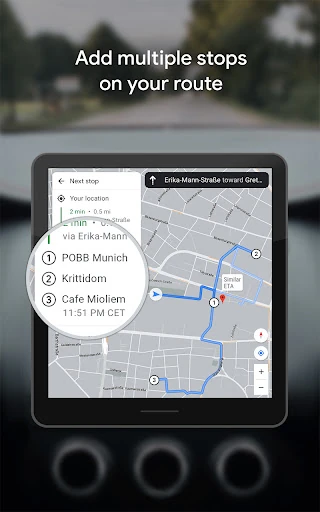
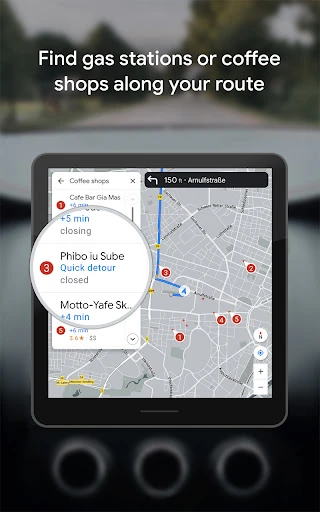
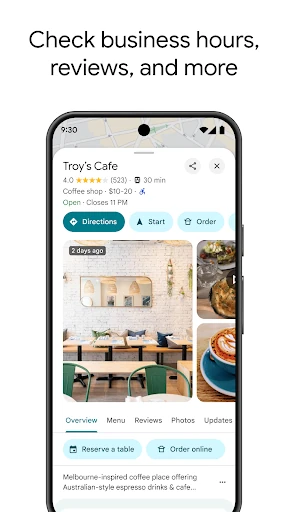
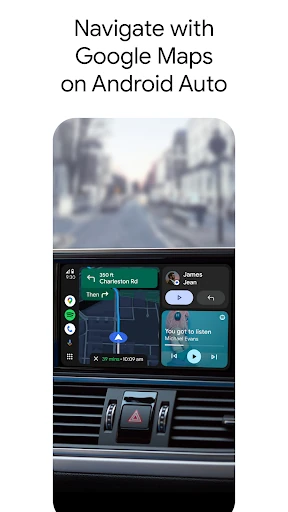
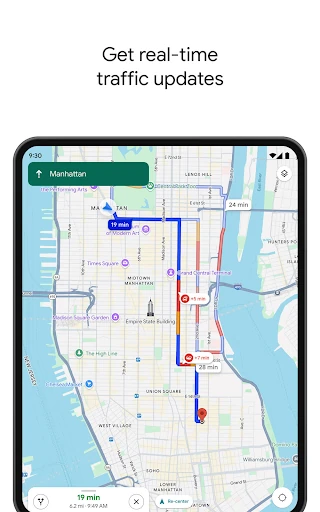
Google Maps combines route planning, navigation and local search in one app. It supports turn-by-turn directions for driving, walking, cycling and public transport, with route changes based on live traffic and reported incidents. You can also search for businesses, compare places by ratings and price, and check how busy some locations are before visiting.
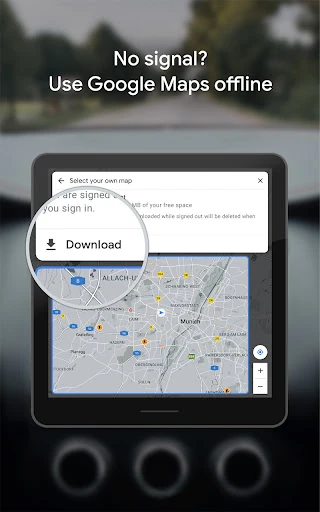
This is a strong fit for people who want one map for everyday travel and unfamiliar places. Street View and panoramic imagery can help you recognise a building, entrance or nearby road before you arrive. Downloaded area maps support navigation when a data connection is unavailable, which is useful for travel or areas with weak coverage.
Google LLC publishes Google Maps in the Travel & Local category. Its listing shows more than 10,000,000,000 installs and 19,302,412 ratings, with an average rating of 3.1722708. That reach makes it a familiar choice, but the rating also suggests that wide coverage does not remove complaints about accuracy, interface complexity or resource use. The better choice depends on whether you value an extensive all-purpose map more than a simpler, narrower navigation experience.